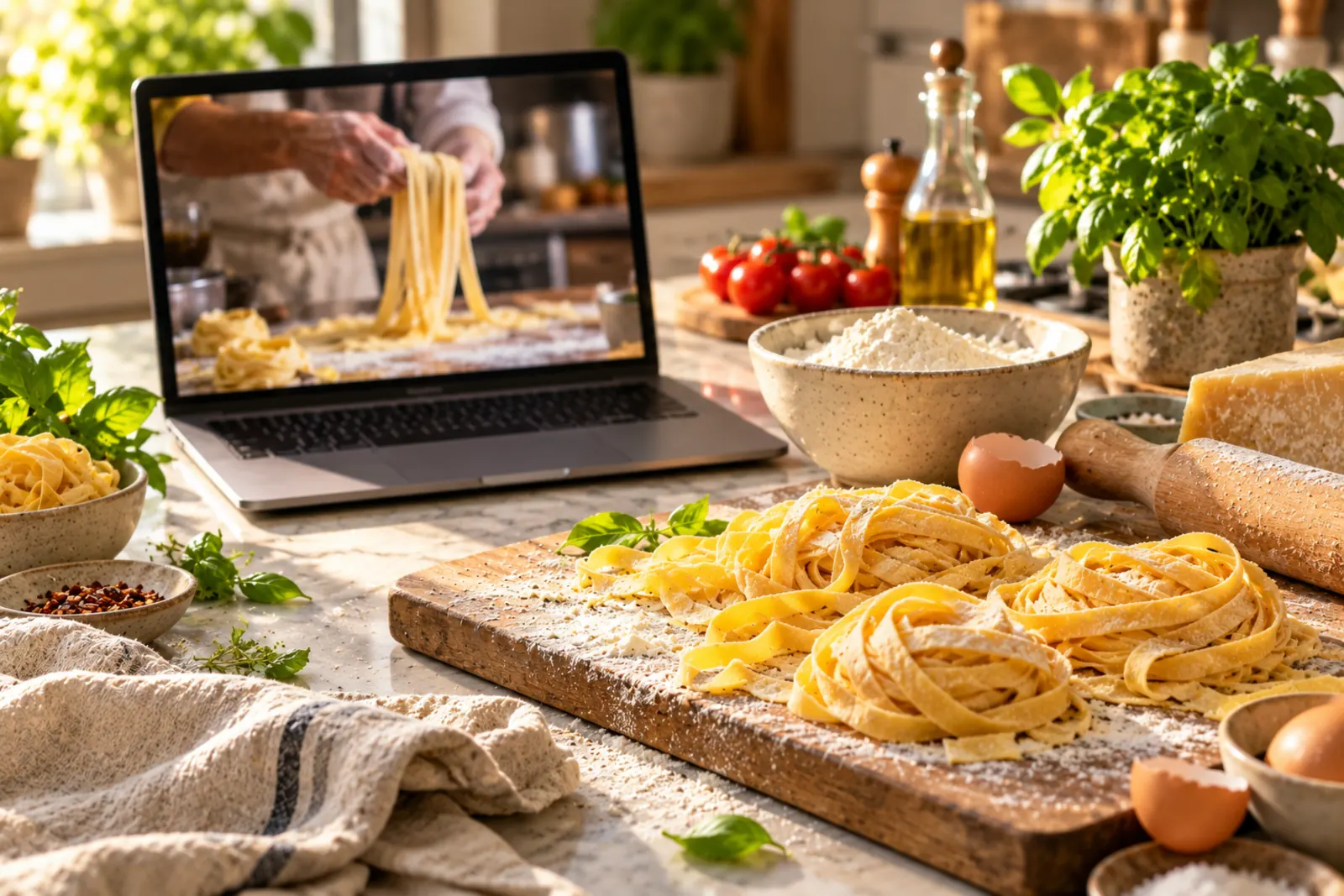
YouTube is packed with incredible cooking content. From Gordon Ramsay's restaurant techniques to home cooks sharing family recipes, there's a wealth of culinary inspiration at your fingertips. But here's the frustrating part: when you find a recipe you love in a YouTube video, how do you save it? Frantically scribbling notes while the video plays? Pausing every 10 seconds to jot down ingredients?
There's a better way. In this guide, we'll show you exactly how to import recipes from YouTube videos in seconds—and explain why this skill is becoming essential for modern home cooks.
Why YouTube Recipes Are Hard to Save
YouTube is the second-largest search engine in the world, and for good reason: people learn by watching. Cooking is visual. Seeing how a chef preps ingredients, the color a sauce should reach, or the texture of perfectly kneaded dough is far more valuable than reading instructions.
But this format creates a unique problem for recipe collection. Unlike a recipe blog where ingredients and instructions are clearly laid out, YouTube recipes are embedded in 10-30 minute videos. Content creators may mention ingredients casually, discuss measurements verbally, and explain techniques without providing a written reference.
Common challenges with YouTube recipes:
- No standardized format: Ingredients might be listed in the description, mentioned during the video, or only shown on-screen briefly
- Missing measurements: Creators sometimes say "a pinch" or "to taste" without specific amounts
- Time-consuming to capture: You have to pause, rewind, and manually write everything down
- Easy to lose: A browser bookmark or hastily scribbled note doesn't create a proper recipe you can easily reference while cooking
- Difficult to share: You can't easily share the extracted recipe with friends or family
These obstacles mean most YouTube recipes never make it into your actual cooking rotation. They stay as "someday I'll make that" items in your bookmarks and never translate into actual meals cooked.
Why Video Recipes Are Worth Saving
Despite the challenges, YouTube recipes deserve a place in your digital cookbook. Here's why:
Technique-focused learning: Video recipes teach you HOW to cook, not just what ingredients to combine. You see hand movements, timing, and visual cues that written recipes can't convey.
Trust and personality: When you follow a creator regularly, you develop trust in their methods. Saving their recipes keeps your favorite cooking teachers accessible.
Trending and innovative recipes: YouTube is often where new food trends appear first. Viral cooking videos lead to creative dishes you won't find in traditional cookbooks.
Cultural and international recipes: Many YouTube creators specialize in authentic international cuisine. These videos are valuable for learning techniques and authentic methods.
The solution? Import them properly into a recipe management system where you can organize them alongside other recipes, scale them for different serving sizes, and access them whenever you need to cook.
How to Import Recipes from YouTube: Step-by-Step
Method 1: Using RecipeVault (Best & Easiest)
RecipeVault is specifically designed to handle video-based recipes, including YouTube. Here's how to import a YouTube recipe in just three steps:
- Find your YouTube recipe. Search for the recipe on YouTube and open the video. You can also use the video link from your browser history or YouTube recommendations.
- Copy the video URL. Click the Share button, then copy the video link from the popup. (Or just copy the URL from your address bar.)
- Open RecipeVault and paste. Open the RecipeVault app on your iPhone, tap the plus button to add a recipe, select "Import from URL," and paste the YouTube link. RecipeVault's AI instantly recognizes it's a YouTube video and extracts the recipe information.
That's it. Within seconds, the recipe appears in your cookbook with ingredients, instructions, and nutritional information already extracted. RecipeVault's AI is trained on thousands of cooking videos, so it understands how to extract recipes even when they're presented differently across creators.
Advantages of this method:
- Works with any YouTube video, regardless of format or creator
- Automatically extracts measurements and quantities
- Includes nutritional analysis
- One-tap recipe scaling for different serving sizes
- All your recipes organized in one place
Download RecipeVault free on iOS to start importing YouTube recipes instantly.
Method 2: Manual Extraction (When AI Isn't Available)
If you don't have access to RecipeVault or another AI extraction tool, here's how to manually save a YouTube recipe effectively:
- Open the video description: Most creators list ingredients in the video description. Click "Show More" to see the full description. Copy this text.
- Check for a pinned comment or comment section: Some creators pin the recipe in the comments. Look for comments from the creator with ingredients and instructions.
- Check linked websites: Many YouTube creators link to their blog or website where they post the full recipe. This is often your best source for complete, formatted recipes.
- Watch and note: Play through the video and take notes on key techniques, timing, and any adjustments made. Note the visual cues for doneness.
- Organize in a recipe app: Combine the description, linked recipe, and your notes into your recipe management app. Format ingredients with quantities and create clear instructions.
This method requires more effort but ensures you have a complete recipe that's actually usable while cooking.
Method 3: Recipe Converter Tool
For a middle-ground approach, you can use RecipeVault's free Recipe Converter tool. This web-based tool lets you paste recipe text (from a video description or transcription) and it cleans it up into a proper recipe format with organized ingredients and instructions.
Here's how:
- Copy the recipe text from the YouTube description or your notes
- Visit the Recipe Converter and paste the text
- The tool automatically organizes ingredients, measurements, and instructions
- Copy the formatted recipe into your recipe app of choice
Pro Tips for Saving YouTube Recipes
Timestamp key techniques: When you find a particularly helpful part of a video—a technique demonstration or critical timing—bookmark it with a timestamp comment. Many recipe apps let you save notes with links, so you can reference the exact video moment while cooking.
Note ingredient substitutions: If the creator mentions alternatives or substitutions, add these to your recipe in the notes. For example: "Can use Greek yogurt instead of sour cream" or "Honey works instead of agave."
Track the creator: If you love a creator's style and authenticity, save multiple recipes from them. In RecipeVault, you can tag recipes by creator, making it easy to cook through a creator's whole repertoire.
Watch before saving when possible: If you have time, watch the full video before importing. This gives you context for techniques and helps you spot any adjustments the creator made from the basic recipe.
Verify measurements in the description: When RecipeVault (or any tool) extracts a recipe, double-check measurements against what's actually listed in the video description. Sometimes creators list approximate amounts ("about 2 cups") rather than exact measurements.
The Best YouTube Channels for Saveable Recipes
Here are some YouTube cooking channels known for clear, saveable recipes:
- Gordon Ramsay: Professional techniques with clear instructions
- Tasty / Tasty Simple: Well-formatted recipes with measurements clearly displayed
- Food Wishes: Detailed techniques with ingredients clearly listed
- Serious Eats: Educational cooking with science-backed methods
- Joshua Weissman: Baking and bread recipes with precise measurements
- Marion Grasby: International recipes with clear ingredient lists
These channels tend to structure videos in ways that make extraction easier, with ingredients clearly listed early and measurements explicitly stated.
Building a YouTube Recipe Collection
Over time, you'll accumulate YouTube recipes across different cuisines and techniques. Here's how to organize them effectively:
Create collection tags: Use labels like "YouTube Finds," "Gordon Ramsay," or "Quick Weeknight Videos" to keep your YouTube recipes organized.
Rate recipes as you cook them: This helps you remember which YouTube channels and creators consistently deliver recipes you actually enjoy.
Link back to videos: Save the original YouTube URL in your recipe notes. You might want to rewatch techniques while cooking.
Cross-reference similar recipes: As your collection grows, you'll notice multiple versions of the same dish (beef bourguignon, chocolate chip cookies, pad thai) from different creators. Note which versions you prefer and why.
Why Proper Recipe Extraction Matters
You might wonder: "Why not just watch the video when I cook?" Here are important reasons to extract and save properly:
- Faster execution: Reading ingredients as a checklist is faster than hunting through a video
- Consistency: Extracted recipes become reference documents you can make repeatedly the same way
- Searchability: A saved recipe is instantly searchable by ingredient. You can't easily search inside a 20-minute video
- Meal planning: You can incorporate YouTube recipes into weekly meal plans only if they're in a structured recipe format
- Sharing: A clean recipe is easy to share with family or friends. A YouTube link requires them to watch the whole video
- Offline access: Downloaded or saved recipes work anywhere. YouTube requires internet and can change (videos get deleted, creators remove content)
Common Mistakes When Saving YouTube Recipes
Mistake #1: Just bookmarking the video. YouTube links can break. Videos get deleted or made private. Always extract the actual recipe information.
Mistake #2: Forgetting to note the creator. Six months later, you'll want to find that amazing chocolate cake recipe you saw, but you won't remember which creator made it. Always save the creator's name.
Mistake #3: Ignoring notes and variations. The creator might say "I usually add extra garlic" or "reduce the sugar if using ripe bananas." These details matter. Write them down.
Mistake #4: Never actually cooking the recipe. Don't just collect recipes passively. When you save a YouTube recipe, commit to cooking it within the month. This builds an actual rotation of recipes you love.
Mistake #5: Not checking measurement accuracy. Some video creators aren't precise with measurements. Verify against the description before cooking for the first time.
Start Importing YouTube Recipes Today
YouTube is an incredible source of cooking inspiration. With the right tools and approach, you can capture that inspiration in a recipe format that's actually usable in your kitchen.
RecipeVault makes this process seamless. Instead of frantically pausing and writing notes, simply paste the YouTube link and let the app extract the recipe instantly. Your digital cookbook grows with every great video you discover.
Extract & Save YouTube Recipes Instantly
Use RecipeVault to import recipes from any YouTube video in seconds. Scale ingredients, plan meals, and organize your favorite cooking channels into one searchable cookbook.