Recipe card maker
Turn any recipe into a beautiful printable card. Four styles, two sizes, free PNG download.
Preview updates as you type. Text shrinks automatically to fit the card. Printed at 300 dpi.
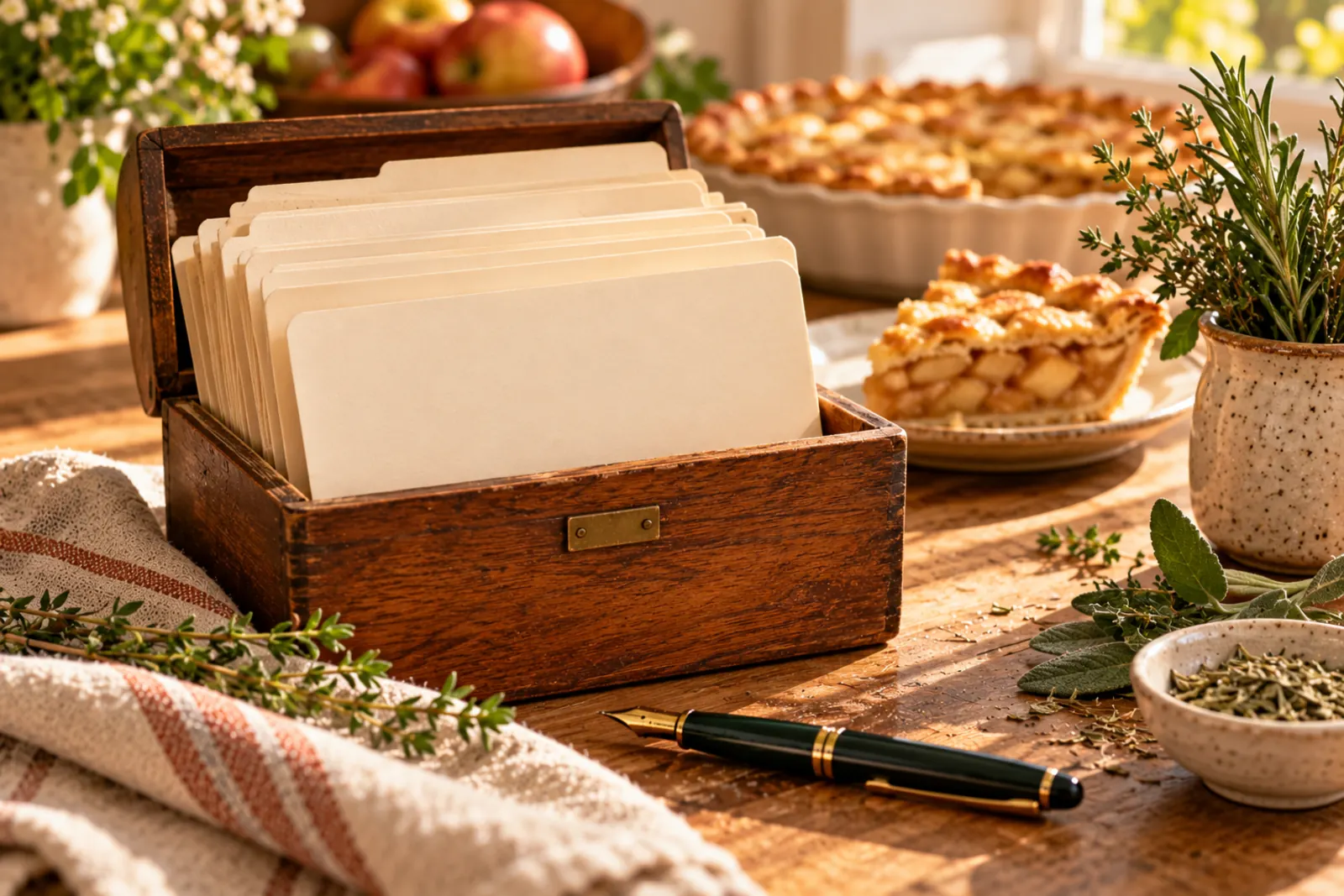
How to make a recipe card
- Type or paste the recipeAdd a name, who it is from, servings and time, then ingredients and steps one per line. Numbering and bullets are cleaned up for you.
- Choose a style and sizeClassic, Modern, Grandma's lined card or a bright Kids card, at 4×6, 5×7 or half letter.
- Download or printDownload a 300 dpi PNG for sharing or a photo print, or print directly on card stock.
Made for gifts and family cookbooks
Recipe cards are the easiest way to pass down family recipes, fill a bridal shower recipe box, or tuck a recipe into a jar of homemade cookie mix. Add "From Grandma Rose" and a note, and the card does the rest.
Nutrition and QR code, optional
Tick Nutrition to print calories and protein per serving, calculated from your ingredients. Tick QR code to add a code that opens RecipeVault, so the person you give it to can save the recipe on their phone.
What you get
| File | PNG image at 300 dpi: 1800 × 1200 px for 4×6, 2100 × 1500 px for 5×7. |
|---|---|
| Layout | Title, details line, ingredients and directions in two columns, optional note. |
| Fonts | Text auto-shrinks to fit, so long recipes stay on one card. |
| Privacy | Everything is drawn in your browser. Nothing is uploaded. |
Frequently asked questions
How do I make a recipe card?
Type the recipe into the form above, pick a style and size, then download the PNG or print it. It is free and takes about a minute.
What size is a recipe card?
The most common sizes are 3×5, 4×6 and 5×7 inches. 4×6 fits standard recipe boxes and photo prints; 5×7 fits longer recipes.
Can I print recipe cards at home?
Yes. Print on card stock at actual size, or order the PNG as a 4×6 or 5×7 photo print.
Is this recipe card template free?
Yes, all four styles are free with no sign-up and no watermark beyond a small site credit.
Can I add a picture or a QR code?
You can add a QR code that opens RecipeVault so others can save the recipe. Photos are not supported yet.
Keep cooking smarter
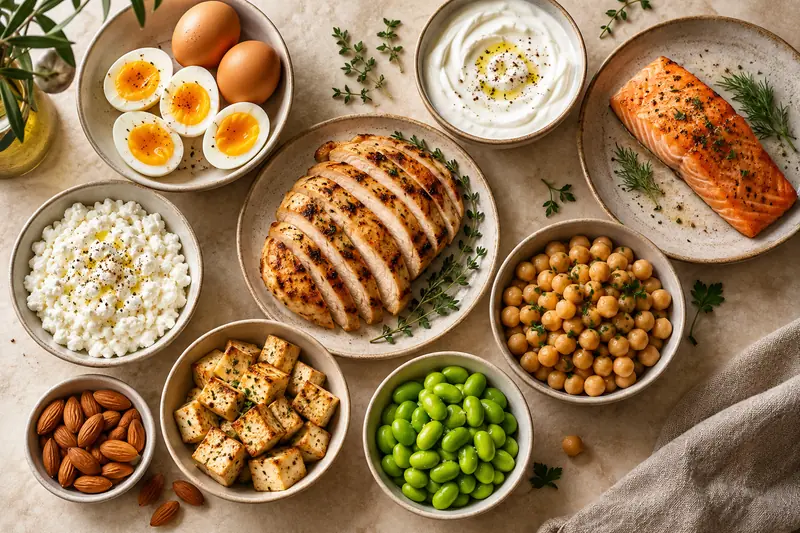
Protein calculator
Your daily protein target from weight, activity and goal, plus a day of meals that hits it.
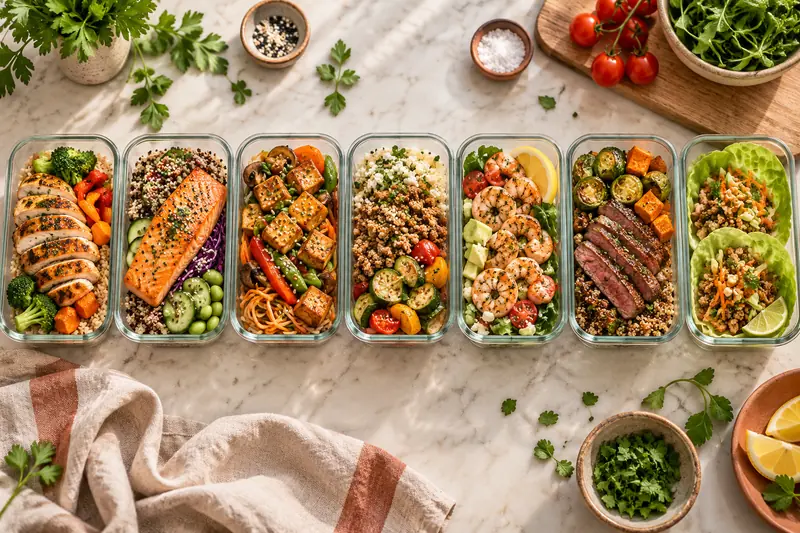
High-protein meal plan generator
A 5 or 7-day plan for your protein target with one grocery list, ready to print.
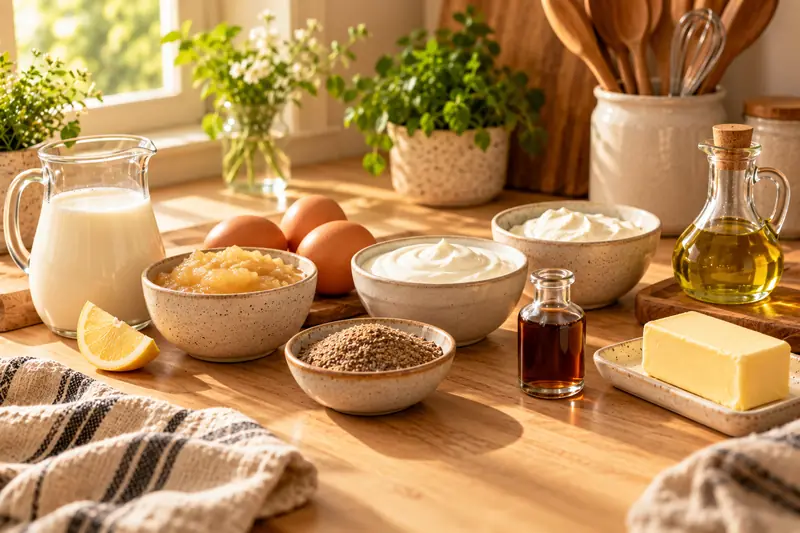
Ingredient substitute finder
Out of buttermilk, eggs or heavy cream? Exact swap amounts for 20 ingredients.
Recipe scaler
Double, halve or scale any recipe to any servings, with pan sizes and smart rounding.
Cups to grams converter
Convert cups, tablespoons and grams for 30 ingredients, measured the way bakers do.
What can I make with these ingredients?
Tick what is in your fridge and get recipes ranked by match, with what is missing.
Every tool on this page, built into one app.
RecipeVault saves recipes from TikTok, Instagram and YouTube, shows protein on every recipe, plans your week and builds the grocery list. Free on iPhone and Android.